Rekeying vs. Replacing Locks: Which One Do You Actually Need?
Rekeying and replacing locks both improve your security, but they are very different in cost and scope. Learn which option makes sense for your situation.
One of the most common questions we get at Coastal Keys is: "Should I rekey my locks or replace them entirely?" It's a great question, and the answer depends on a few key factors — your current hardware, your security goals, and your budget.
Let's break it down.
What Is Rekeying?
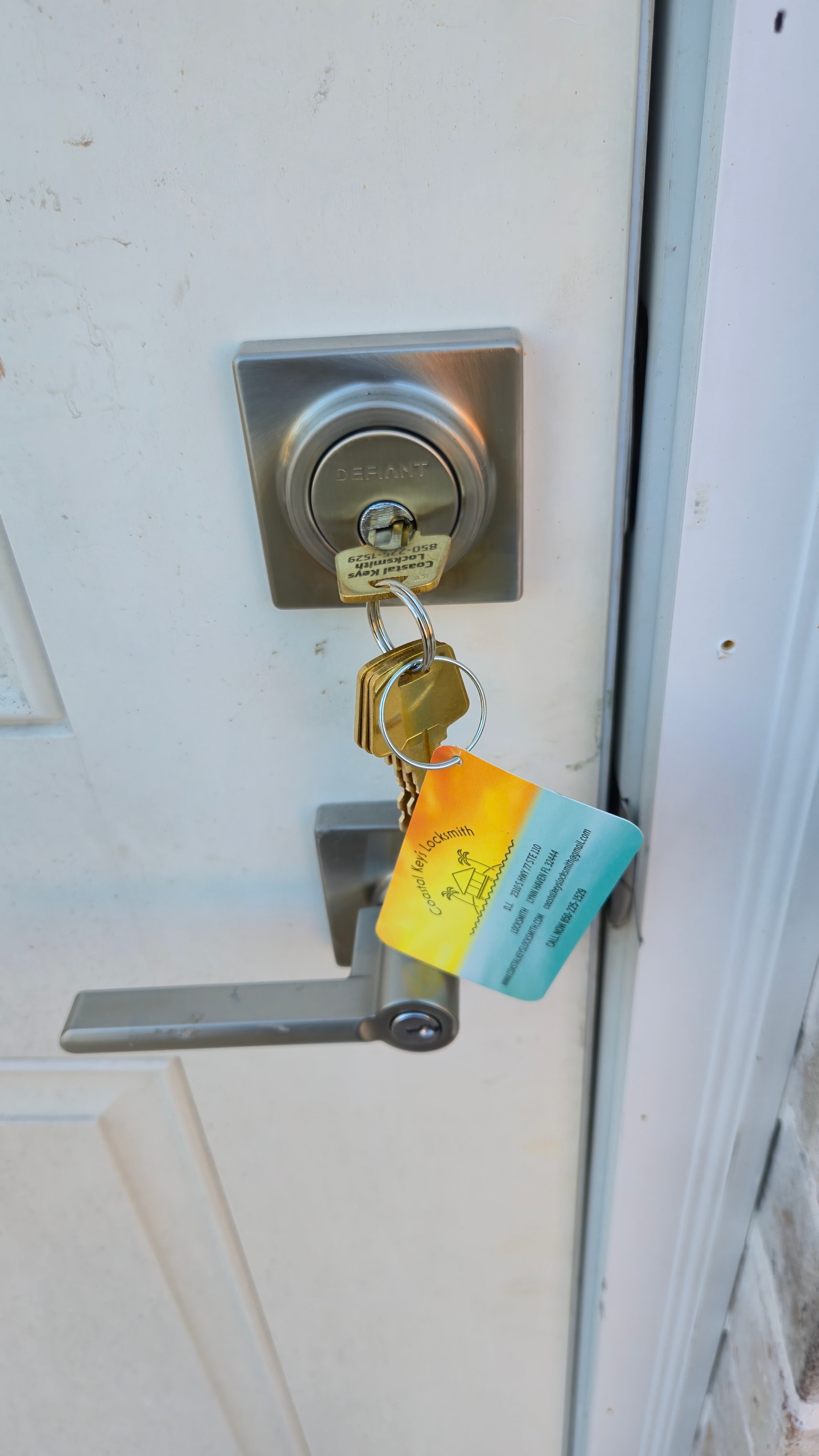
Rekeying is the process of changing the internal pin configuration of an existing lock cylinder so that old keys no longer work and a new key is required.
Here's how it works: Inside every pin tumbler lock (the most common type) is a series of spring-loaded pins of varying heights. When the correct key is inserted, it lifts each pin to exactly the right height, allowing the cylinder to rotate and the lock to open. Rekeying replaces those pins with a new set that matches a different key.
The lock hardware itself stays in place — only the internal pins change.
What rekeying does:
- Makes all existing keys obsolete
- Creates a new key (or set of keys) that works the lock
- Costs significantly less than replacement
What rekeying does NOT do:
- Improve the physical strength of the lock
- Fix worn or damaged hardware
- Upgrade an old or low-quality lock
What Is Lock Replacement?
Lock replacement means removing the existing lock hardware entirely and installing new hardware in its place. This includes the cylinder, the bolt mechanism, the strike plate, and any associated hardware.
What replacement does:
- Everything rekeying does (new keys, old keys obsolete)
- Upgrades the physical quality and security grade of the lock
- Addresses worn, damaged, or outdated hardware
- Allows you to change the style or finish of the hardware
When Should You Rekey?
Rekeying is the right choice in most situations where your existing hardware is in good condition. Common scenarios:
Moving Into a New Home
This is the number one reason to rekey. You have no idea how many copies of the key exist — previous owners, contractors, real estate agents, neighbors. Rekeying gives you a clean slate for a fraction of the cost of new hardware. Our residential lock rekeying services cover rekeying for homes across Bay County & the Florida Panhandle.
After a Breakup or Roommate Change
If someone who had a key to your home is no longer welcome, rekeying is the fastest and most affordable solution.
Lost or Stolen Keys
If your keys are lost or stolen, rekeying immediately eliminates the risk that someone will use them to enter your home.
Managing Multiple Properties
If you're a landlord or vacation rental owner, rekeying between tenants is standard practice. It's fast, affordable, and gives each new tenant their own unique key.
Consolidating to One Key
A locksmith can rekey multiple locks in your home to work on the same key — so you only need one key for your front door, back door, and garage entry. This is called "keying alike."
When Should You Replace?
Lock replacement makes sense when rekeying alone won't solve the problem:
Your Locks Are Old or Worn
Locks that are difficult to turn, stick, or show visible wear should be replaced. A worn lock is a security vulnerability and a daily frustration.
You Want to Upgrade Security
If your home has builder-grade Grade 3 locks, upgrading to Grade 1 deadbolts requires replacement. You can't rekey your way to better hardware.
The Lock Is Damaged
If a lock has been forced, tampered with, or damaged in any way, replace it. The internal components may be compromised even if it appears to work normally.
You're Updating the Aesthetic
Replacing hardware lets you match finishes (brushed nickel, matte black, oil-rubbed bronze) and modernize the look of your doors.
You Want Smart Lock Features
Adding keypad entry, remote access, or smart home integration requires new hardware — you can't add these features to a traditional lock.
Cost Comparison
Here's a general comparison for a standard residential deadbolt:
| Service | Typical Cost (per lock) |
|---|---|
| Rekeying | $20–$50 |
| Lock replacement (standard Grade 1) | $80–$150 including hardware |
| Lock replacement (smart lock) | $150–$300 including hardware |
Prices vary based on lock brand, location, and time of service.
When you're rekeying multiple locks in one visit, the per-lock cost drops further — a locksmith can often rekey an entire home for $100–$150.
The Bottom Line
Rekey when: Your hardware is in good condition and you just need to control who has access.
Replace when: Your hardware is worn, damaged, low-quality, or you want to add features that require new hardware.
When in doubt, call a licensed locksmith for an honest assessment. At Coastal Keys, we'll tell you exactly what you need — and what you don't. Give us a call at 850-225-1529. We serve Panama City, Lynn Haven, Panama City Beach, Mexico Beach, Port St. Joe, and all of the Florida Panhandle — see our full residential locksmith services.
Explore Topics
Written by
Coastal Keys Locksmith Team
Content creator and writer sharing insights and stories.